
Find the best-priced wireless adapters in Kenya. From budget 150 Mbps USB dongles to high-speed dual-band adapters — ideal for PCs, laptops & desktops.

Wireless Adapters Price in Kenya — Connect Your PC to Fast Internet
- In Kenya’s growing digital landscape, many computers — especially desktops and older laptops — still lack built-in WiFi or struggle with weak signals. That’s where wireless adapters become essential. Whether you’re upgrading your desktop, building a home office, or boosting connectivity for remote work in Nairobi, choosing the right adapter is key. Below is a guide to typical adapter types, price ranges, and what to expect when buying wireless adapters in Kenya.
Common Types of Wireless Adapters Available
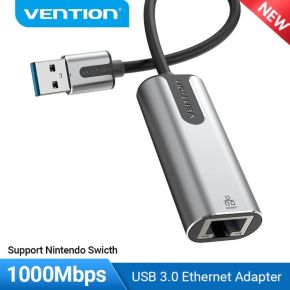
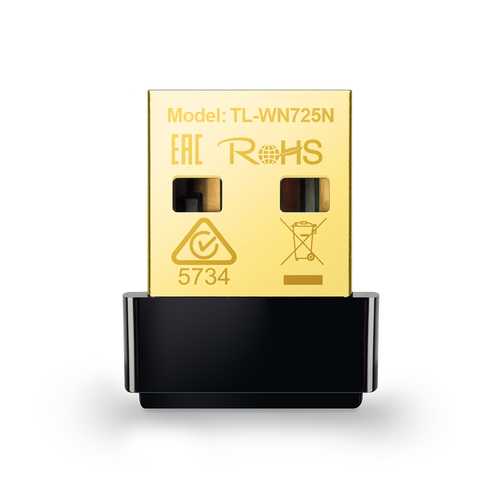
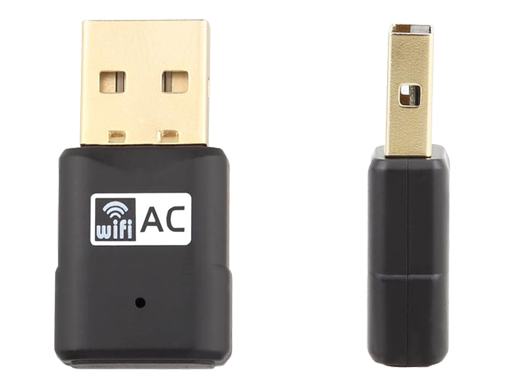
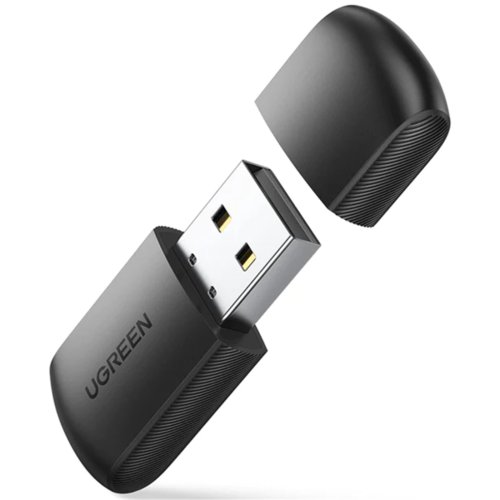
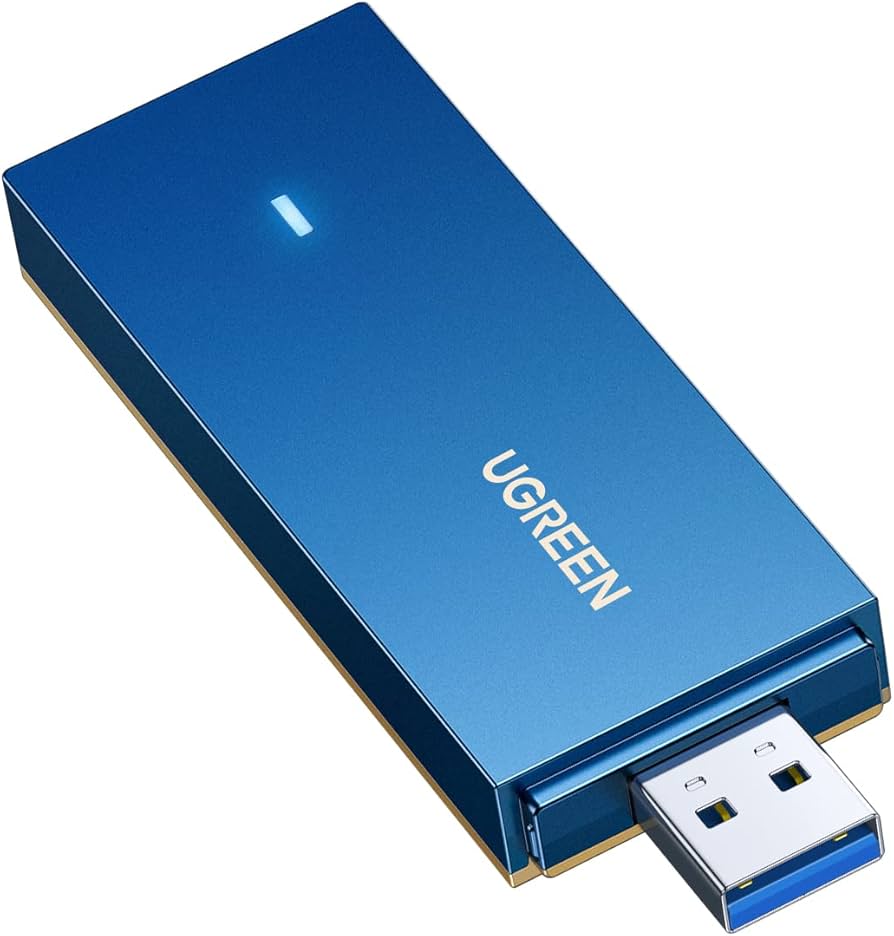
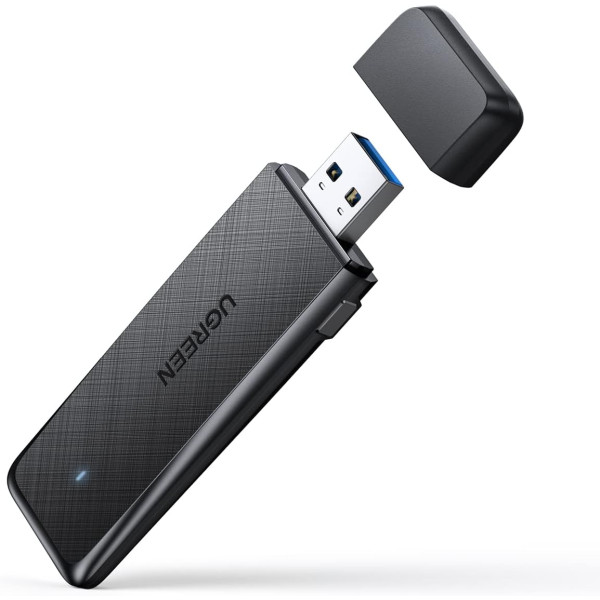
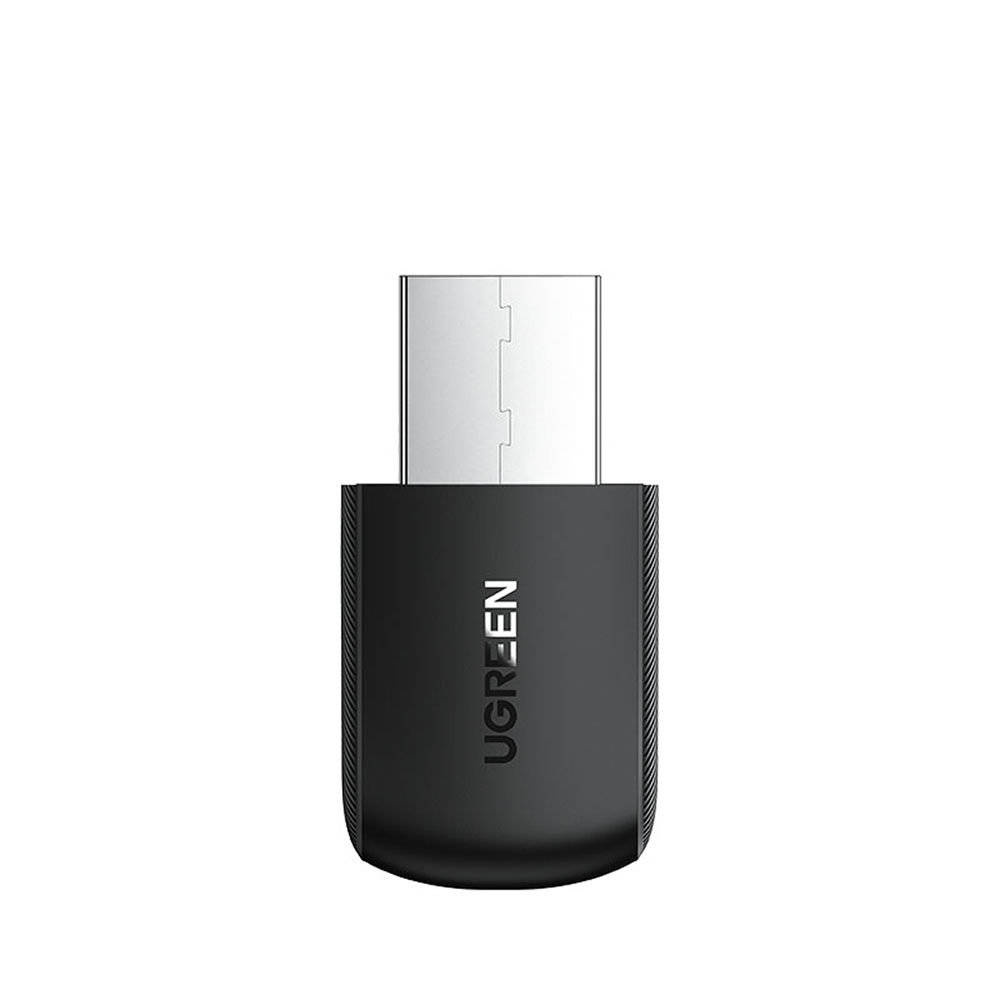
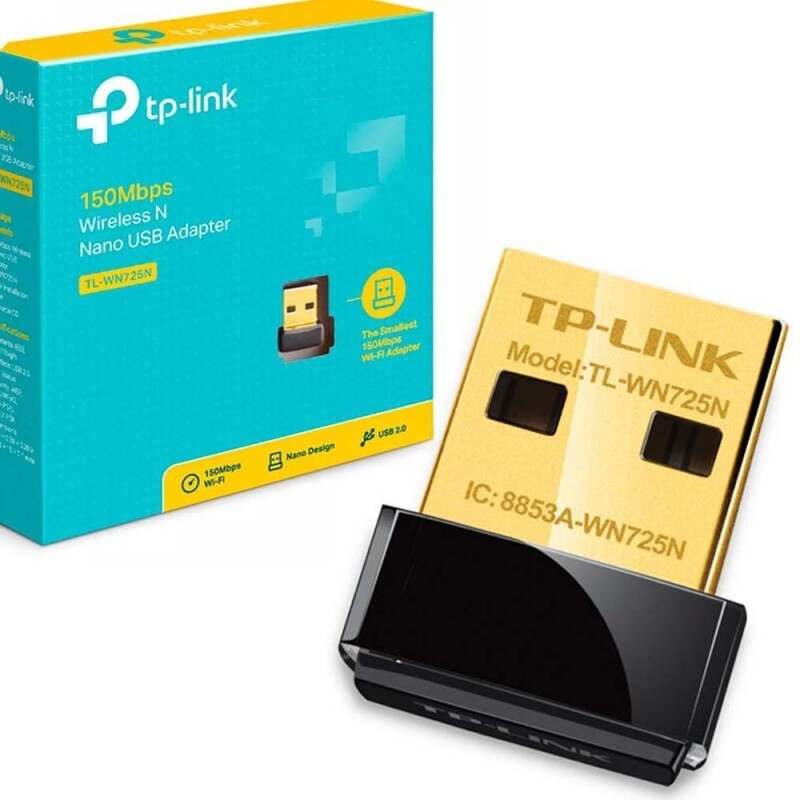
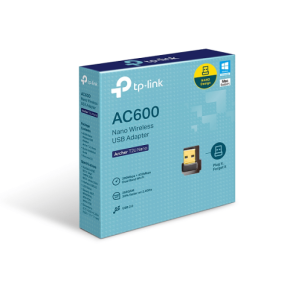
- USB WiFi Adapters / Dongles — Plug-and-play devices that instantly enable wireless internet on laptops or desktops.
- Widely popular for their convenience and portability.
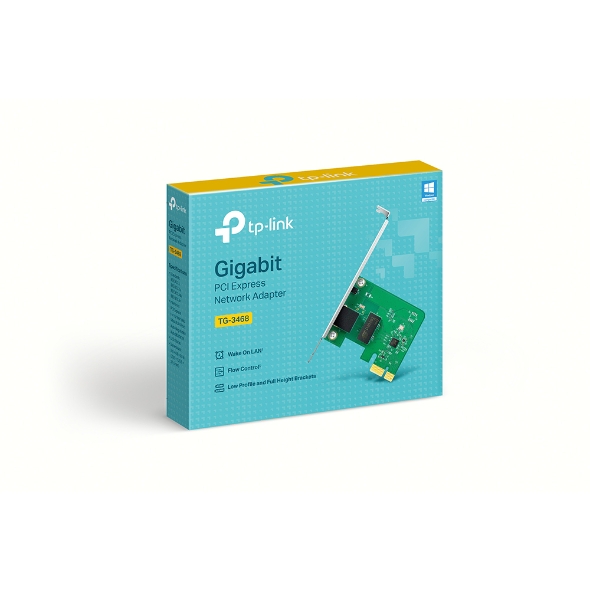
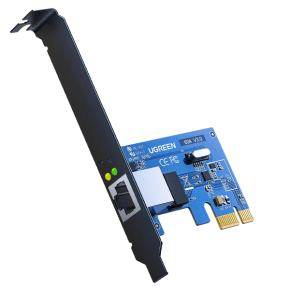
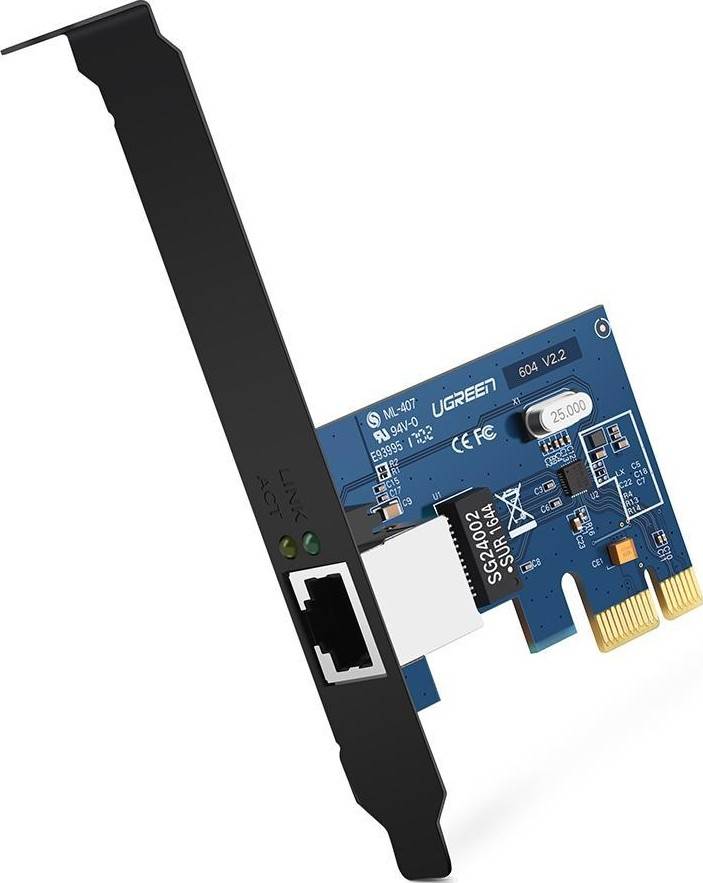
- PCI / PCIe WiFi Cards — Installed inside desktop PCs, these are ideal for stable, high-speed connections and households with multiple devices.
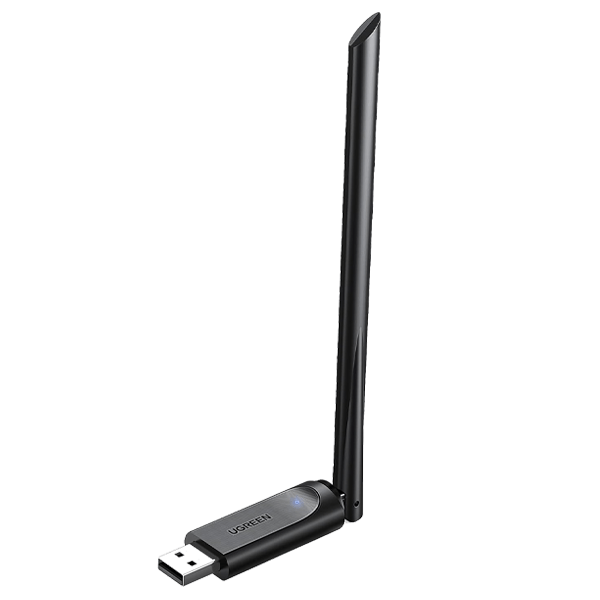
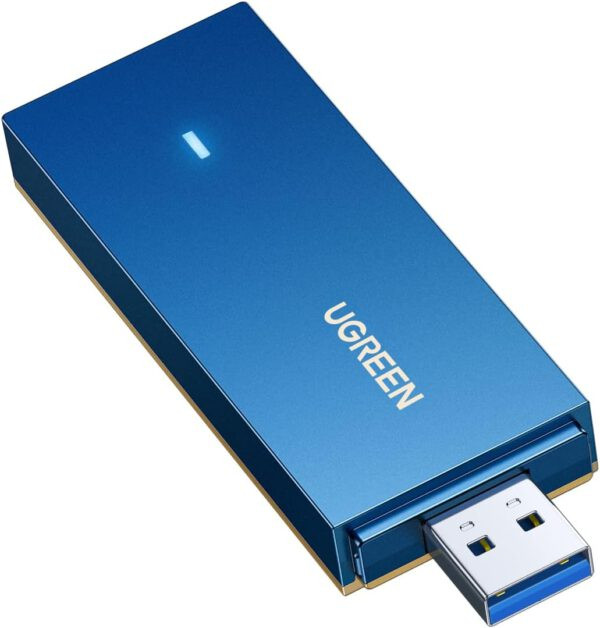
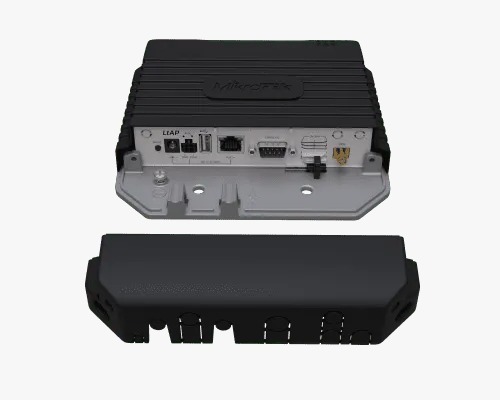
- High-Gain / Dual-Band / WiFi 6 Adapters — For users needing stronger signals and fast speeds (e.g. streaming, gaming, video calls), dual-band or WiFi 6 adapters deliver better performance and future-proof connectivity.
Typical Price Ranges in Kenya
- Depending on speed, band, and form factor, wireless adapters in Kenya range approximately:
- Budget USB dongles (150 – 300 Mbps): ~KSh 500 – KSh 1,500 Techovant Solutions+2Aiconic Computers+2
- Mid-range USB / PCI adapters (300 – 600 Mbps dual-band): ~KSh 1,200 – KSh 2,800 tdk.co.ke+1
- High-performance / WiFi 6 adapters: ~KSh 3,500 and above depending on features Starmac Kenya+1
- This wide price range makes adapters accessible to most budgets — from students and casual users to gamers and professionals.
Why Buy a Wireless Adapter in Kenya
- Easy setup: Most adapters are plug-and-play, requiring no complex installation.
- Better signal & speed: Upgrading to a modern adapter improves stability and reduces lag, ideal for streaming, remote work, or large downloads.
- Portable solutions: USB adapters are compact — great for travel or use on multiple devices.
- Affordable upgrades: For under a few thousand shillings you can transform an old desktop into a wireless-capable PC.
What to Look for When Buying
- Wireless standard (802.11n, ac, ax/WiFi 6) — newer is better.
- Dual-band support (2.4 GHz & 5 GHz) for flexibility.
- Connector type — USB for portability, PCIe for stability.
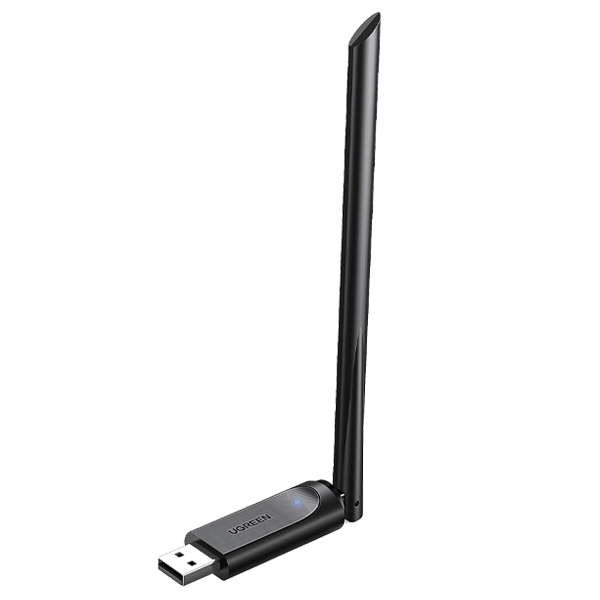
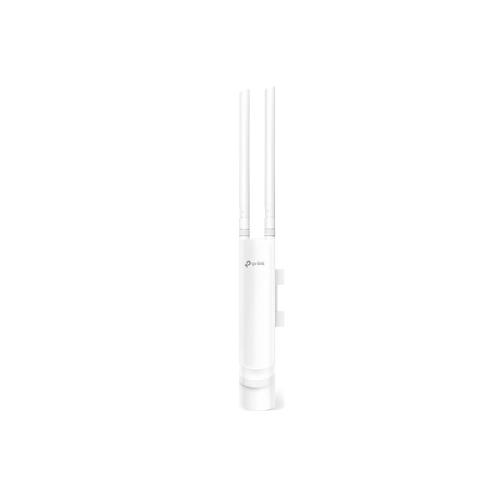
- Antenna / gain — external antenna often improves signal and coverage.